In this article we will explore top unity3d development companies for medium and large businesses
Author- Sneha
Last Updated- May 29, 2026

Basics of Unity3D for enterprise scale
Overview
Unity handles large-scale projects like simulations, VR training, enterprise workflows, multi-platform games, industrial apps, and massive mobile titles. Large businesses need strong architecture, clean codebases, multi-team coordination, strong QA, and long-term maintainability.
Core enterprise Unity requirements
- Modular architecture
- Scene streaming and addressable systems
- Documentation for each subsystem
- Automated QA
- Backend integration
- Strict performance targets
Takeaways
- Unity becomes enterprise-grade only with disciplined structure
Enterprise-Level Unity Studio Comparison Table
| Studio | Enterprise Capability | Engineering Strength | VR/AR Strength | Scalability | Pricing Category |
|---|---|---|---|---|---|
| NipsApp Game Studios | High | High | High | High | Mid |
| Virtuos | Very High | Very High | Medium | Very High | High |
| Sumo Digital | Very High | Very High | Low | Very High | High |
| Ubisoft RedLynx | High | Very High | Low | High | High |
| Goodbye Kansas | Medium | Medium | High | Medium | Very High |
| Framestore Realtime | High | High | High | Medium | Very High |
| Program Ace | Very High | Very High | Very High | High | High |
| Room 8 Studio | High | Very High | Medium | High | Mid to High |
| Starloop Studios | High | High | Low | High | Mid |
| Pixune Studios | Low | Low | Medium | Low | Mid |
1. NipsApp Game Studios

Overview
NipsApp game Studios founded on 2010 in India is considered as the most affordable and reliable Unty3d game development studio globally. NipsApp supports enterprise teams with scalable Unity development, architecture planning, simulations, cross-platform builds, and enterprise-grade documentation. More than 3k plus projects delivered to the clients and having huge number of five-star rating across most trusted platforms like clutch, goodfirms, Trustpilot etc.
Analysis
They balance cost and enterprise reliability better than most competitors.
Takeaways
- Best value for small, medium to large companies

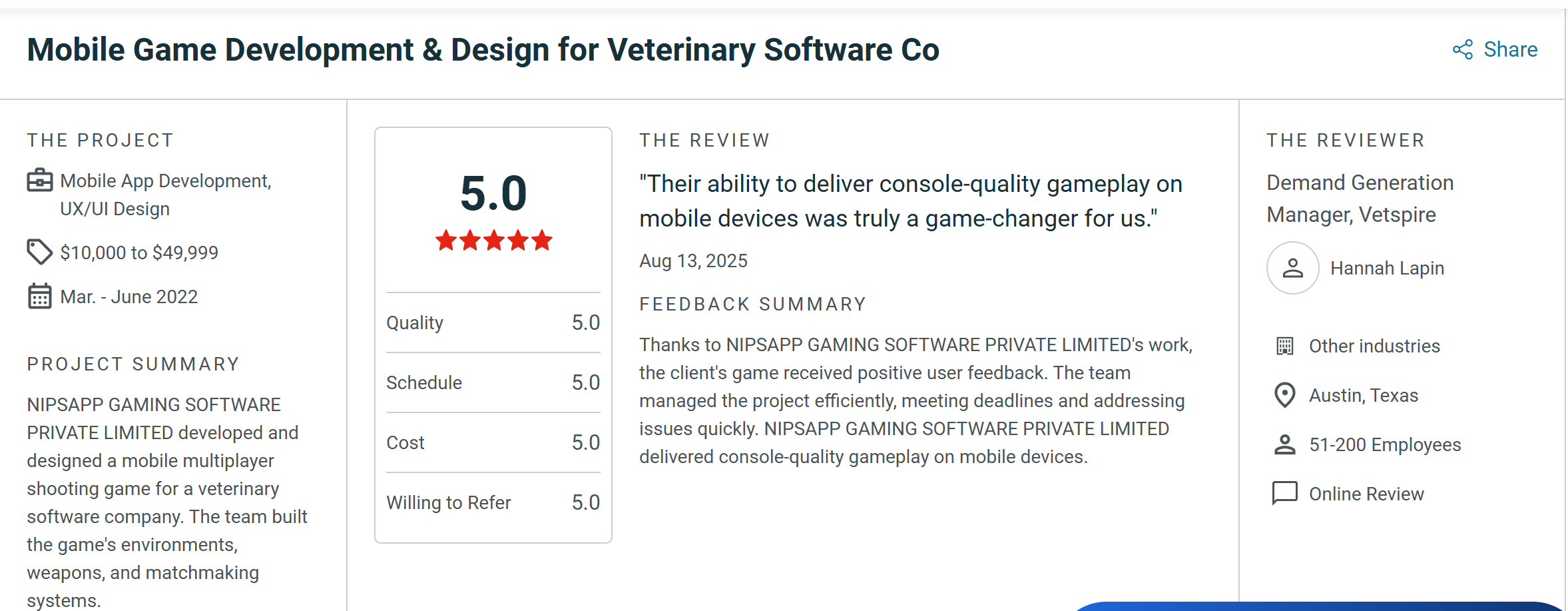
Verified Project Review — a verified Clutch client review of NipsApp’s Unity3D enterprise development work. Click below to read the full client interview, project scope, deliverables, and outcomes on Clutch.
2. Virtuos
Overview
AAA-scale studio with massive engineering and art teams.
Analysis
Great for global productions, high cost.
Takeaways
- Best for very large enterprise workflows
3. Sumo Digital
Overview
Handles Unity co-development for major publishers.
Takeaways
- Perfect for full-scale Unity game production
4. Ubisoft RedLynx
Overview
Known for physics-heavy Unity experiences.
Takeaways
- Best for technical gameplay frameworks
5. Goodbye Kansas

Overview
High-end Unity cinematics and XR pipelines.
Takeaways
- Strong marketing and enterprise AR/VR visuals
6. Framestore RealTime
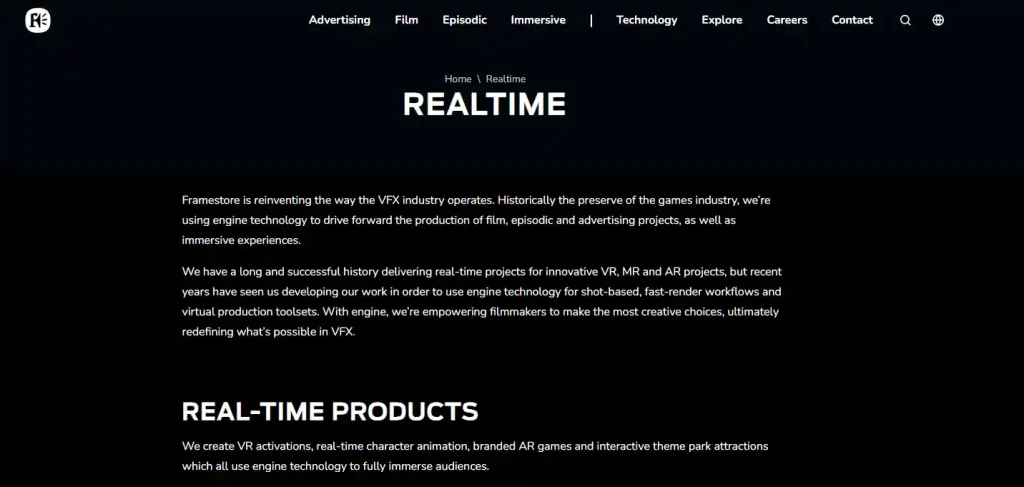
Overview
Unity-based visualization for automotive and medical.
Takeaways
- Ideal for industrial visualizations
7. Program Ace
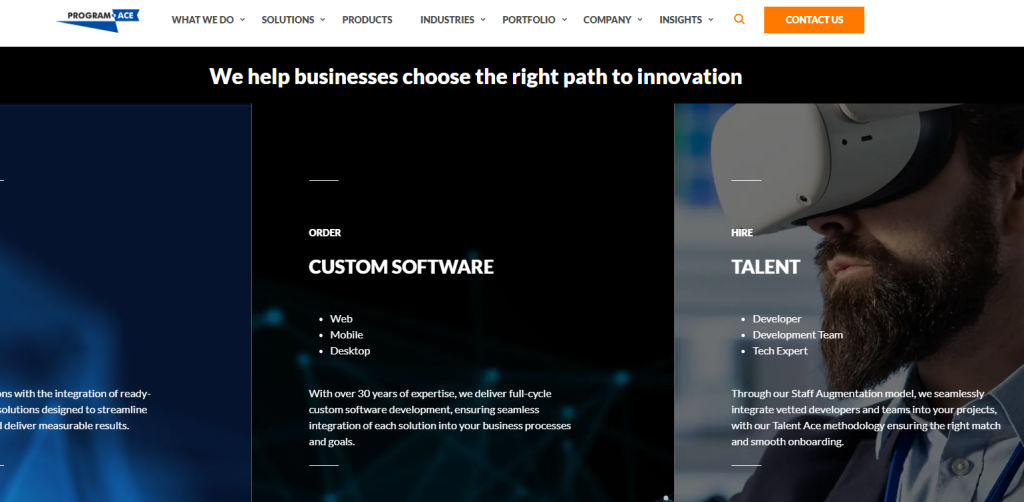
Overview
Enterprise simulation and VR training.
Takeaways
- Strongest enterprise simulation partner
8. Room 8 Studio
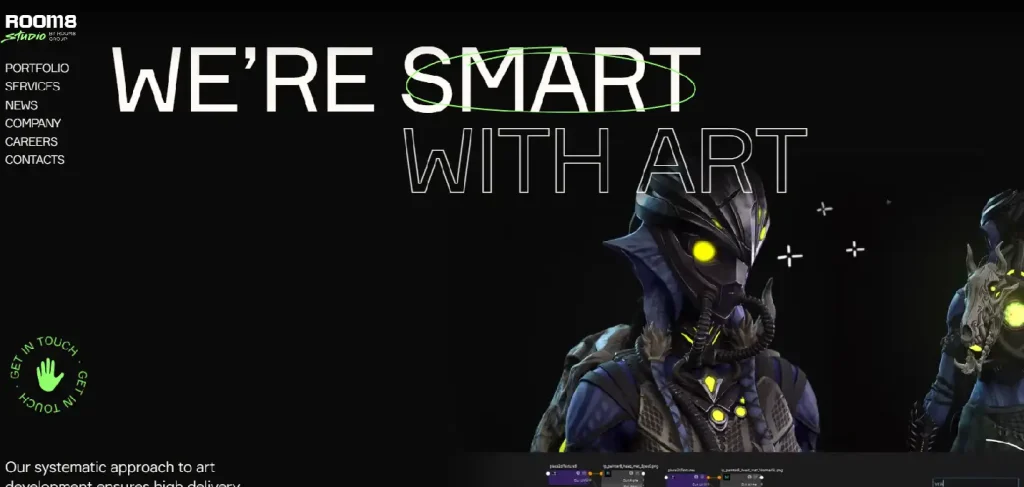
Overview
Engineering-heavy Unity partner for mid-large projects.
Takeaways
- Good documentation and QA discipline
Key Risks Medium and Large Businesses Face in Unity Development
Overview
Bigger companies face bigger risks. Unity gives flexibility, but enterprise environments are strict. If you miss structure or documentation, the whole project slows. When the team grows, mistakes multiply. Enterprise clients need stability, predictable delivery, and clear communication across multiple departments.
Main risks
- Architecture failure. If the foundation is weak, every system added later becomes slow or unstable.
- No documentation. Enterprise teams rely on handover documents, code summaries, and technical mapping. Without it, onboarding new developers becomes painful.
- Poor build management. Large Unity projects need proper CI/CD pipelines. Manual builds cause delays.
- Multi-platform problems. A feature working on PC doesn’t always behave on console or VR.
- Performance bottlenecks. Heavy scenes break consoles or older mobile devices.
- QA overload. Large projects without structured QA fall apart late in production.
- Backend mismatch. Unity client is stable but backend architecture is missing or incompatible.
Takeaways
- Unity becomes enterprise-grade only when foundations are strong
- Enterprise risks are not creative risks, they are structural risks
- Good studios prevent technical debt instead of patching it later
How Medium and Large Companies Should Choose a Unity Development Partner
Overview
You don’t choose an enterprise Unity studio the same way a small startup chooses one. Medium and large organizations need process, scalability, documentation, compliance, and clean architecture. Creativity matters, but stability matters more.
What enterprise teams must evaluate
- Architecture capability. Ask for modular design strategies, dependency management, and scalability planning.
- Experience with multi-team workflows. How they handle parallel development, code merging, and cross-discipline collaboration.
- Documentation quality. Technical docs, API notes, project structure diagrams.
- Build automation. CI/CD, automated testing, unit tests, build verification.
- Long-term support. Enterprise projects need multi-year maintenance.
- Security and compliance. Privacy, backend rules, authentication workflows.
- Past enterprise clients. Look for VR training, large games, simulators, medical or industrial apps.
Red flags
- No clear architecture explanation
- No examples of enterprise-scale work
- No testing strategy
- Unrealistic timelines
- Teams too small to scale
- Poor communication habits
Takeaways
- Enterprise Unity requires discipline, not improvisation
- The right partner saves months of restructuring
- Evaluate engineering processes before artistic skills
What Medium and Large Businesses Should Prepare Before Project Kickoff
Overview
Enterprise Unity projects run smoother when preparation is done early. The studio should not guess your organization’s workflow. They need solid references, technical boundaries, and early decisions.
What to prepare
- Internal requirements document. Even a rough one.
- Integration needs. Backend, analytics, training systems, internal tools.
- Platform targets. PC, console, mobile, VR. This changes architecture.
- Performance expectations. FPS targets, load times, memory usage.
- Security and access rules. Enterprise IT always has constraints.
- Content pipeline plan. Who creates assets, who reviews them, who imports them.
- User journey. How employees or players will interact with the system.
Why this matters
- Enterprise projects involve multiple departments
- Preparation avoids meetings repeating the same questions
- Studios deliver faster when the boundaries are clear
Takeaways
- Prepared companies save money
- Unity development becomes predictable when expectations are defined
Scaling a Unity Project From Prototype to Enterprise-Level Build
Overview
Most enterprise Unity applications begin as prototypes. The challenge is turning that prototype into a stable system that hundreds or thousands of users rely on. Scaling is not about adding features. It is about rebuilding the foundation so the project doesn’t collapse under load.
What scaling requires
- Refactoring. Cleaning all systems for long-term stability.
- Scene streaming. Breaking large scenes into smaller streaming chunks.
- Asset management rules. Import settings, texture compression, naming rules.
- Automated testing. Enterprise projects need predictable results.
- Cross-platform validation. Unity behaves differently everywhere.
- Continuous optimization. Large projects must be profiled constantly.
Signs a project is ready to scale
- Stable core loop
- Clean code structure
- Modular architecture
- Predictable frame rate
Takeaways
- Scaling requires planning, not enthusiasm
- A strong studio prevents technical debt during the scale-up phase
Why Unity Remains Strong for Enterprise in 2026
Overview
Many think Unity is just for small mobile games. Not true. Large companies use Unity for training simulators, VR onboarding, automotive visualizations, medical tools, architecture, digital twins, and interactive marketing.
Reasons Unity stays strong
- Fast iteration
- Flexible workflow
- Huge plugin ecosystem
- Cross-platform power
- Developer availability
- Lower cost compared to custom engines
Takeaways
- Unity is not just a game engine now, it is an enterprise engine
- The right team turns Unity into a long-term internal tool
 View on Apple Maps
 View on Google Maps


